


.svg)
.svg)
.svg)
.svg)
.svg)
.svg)
.svg)
.svg)
.svg)
.svg)
.svg)
.svg)
.svg)
.svg)
.svg)
.svg)
.svg)
.svg)
.svg)
.svg)
.svg)


Step 1: Create an event
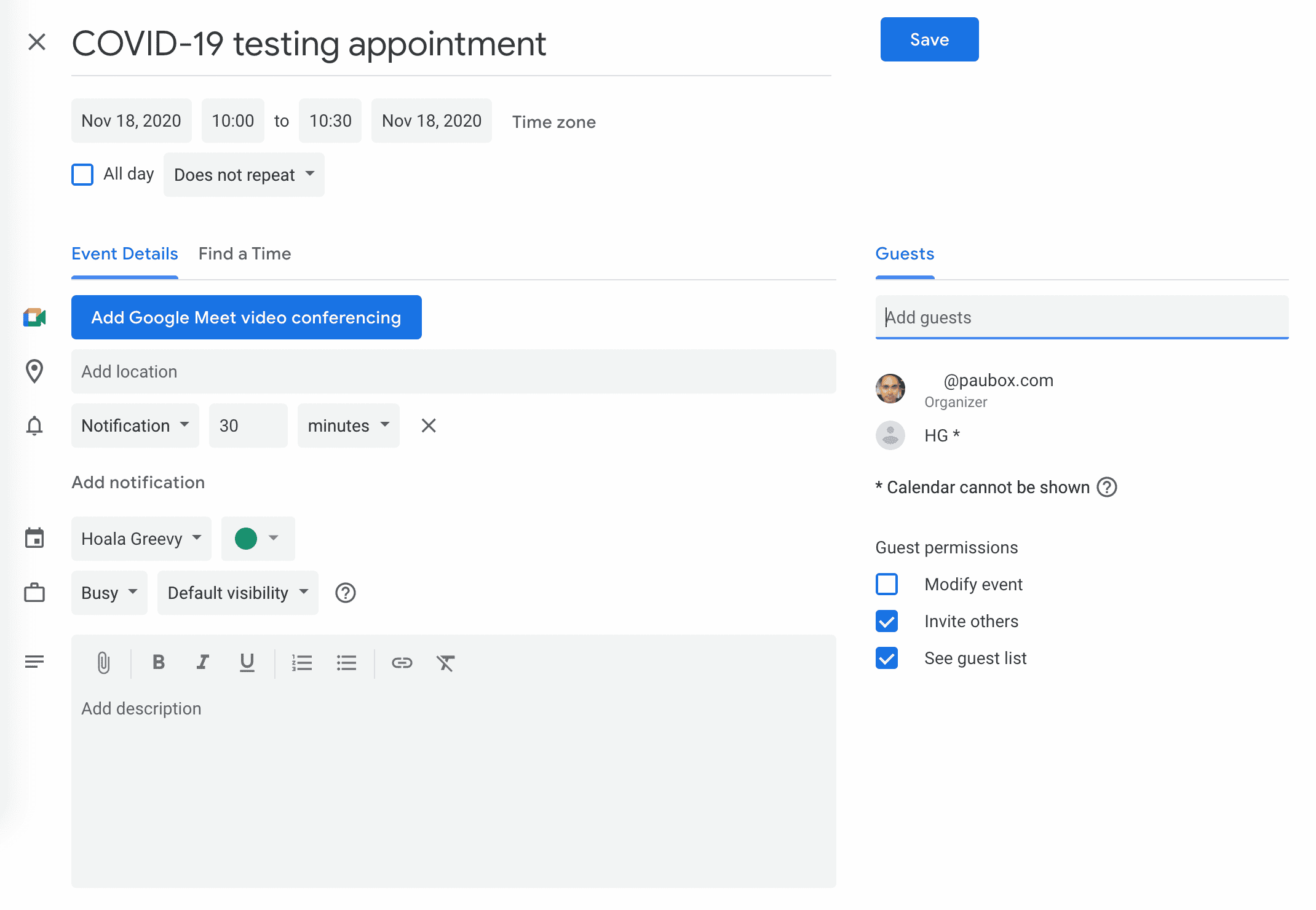 Create an event in your calendar. You can even include Protected Health Information (PHI) in the invite itself. Invite guests and click Save. If your Email Service Provider (ESP) is cloud-based, make sure you have a Business Associate Agreement (BAA) in place with them. Note: Microsoft and Google provide BAAs that provide coverage for their respective calendars. Paubox also provides a BAA to all customers.
Step 2: Send invitation email to guests
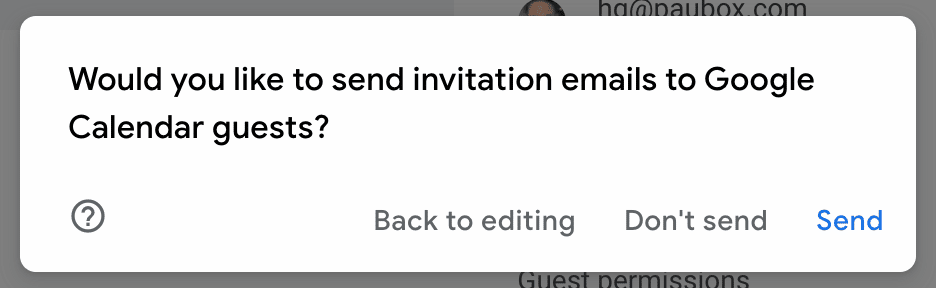
After clicking Save, click Send to start the process of sending secure email via Paubox to your guests.
Step 3: Confirm invitation to external guests
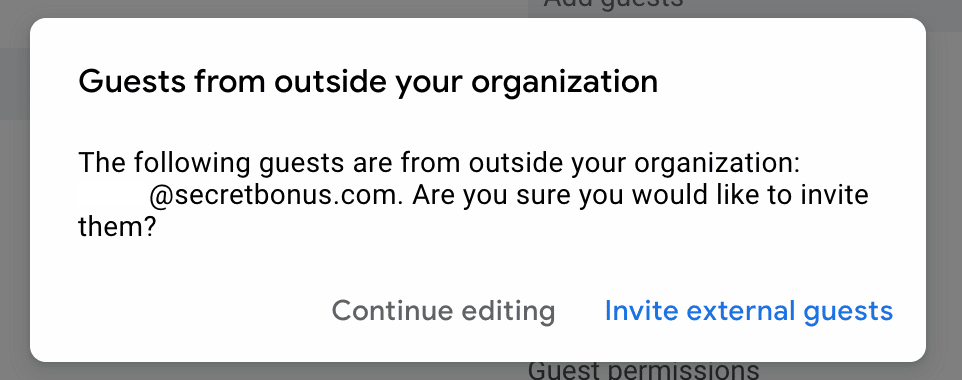
If any of your guests are outside your organization, make sure to click Invite external guests.
Step 4: Calendar invite encrypted by Paubox Email Suite
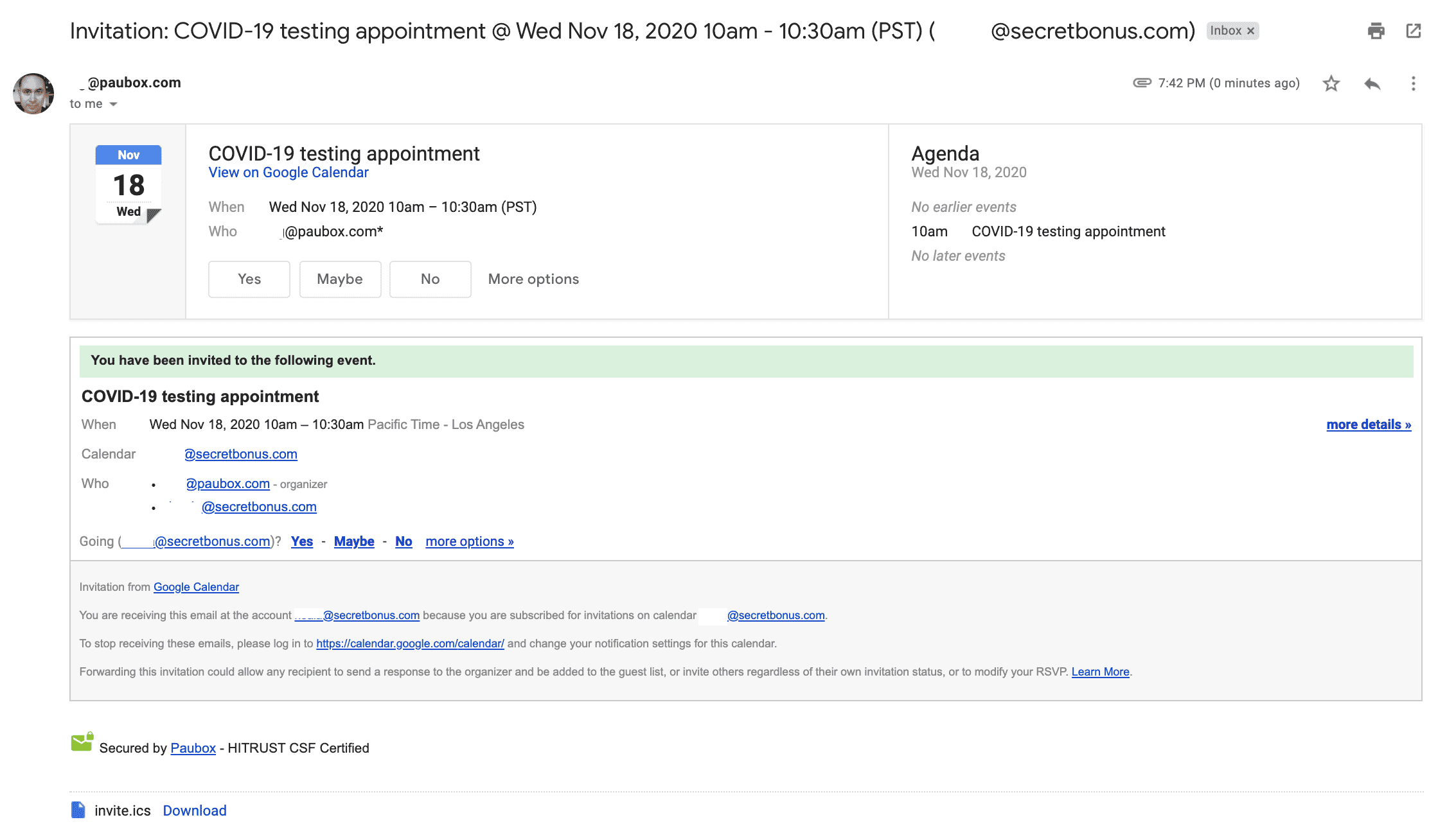
All calendar invites are seamlessly routed through Paubox Email Suite to your guests. This occurs because Paubox is your default email gateway.
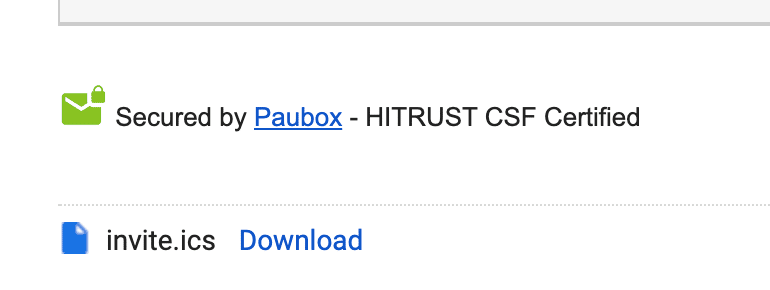
If you look towards the bottom of the invite (see above screenshot), you'll see that Paubox encrypted the calendar invite. In conclusion, you do not need to do anything different to gain the benefit of HIPAA compliant calendar invites with Paubox Email Suite. The steps you would normally take to create a calendar event and invite guests are exactly the same. That's the beauty of Paubox: Seamless security, no extra steps. No friction.
